
Starbridge HubSpot integration: what syncs, where it is stored, and how to set it up
What the Starbridge HubSpot integration syncs, which HubSpot object each data type belongs on, and how to set it up without creating duplicates.

This guide covers what the Starbridge HubSpot integration syncs and which HubSpot object each data type belongs to. It then walks through the setup an admin completes before any data moves and what reps do with the results.
TL;DR: What does the Starbridge HubSpot integration do?
The Starbridge HubSpot integration writes government and education account data, verified contacts, and account scores to HubSpot company and contact records, and writes dated buying activity to a custom object. The integration also reads from HubSpot, pulling account ownership, lifecycle stage, and list membership so each rep sees only the accounts they own.
Admins configure what moves in each direction, and Starbridge writes only to the fields they’ve explicitly mapped.
What syncs between Starbridge and HubSpot
Four categories of data move from Starbridge into HubSpot, and each one behaves differently once it arrives.
- Account enrichment supplies information that HubSpot cannot populate on its own, such as enrollment, population, budget amounts, and fiscal year start dates for the districts and agencies in your database.
- Account analysis and scores add assessments, including propensity to spend and procurement approach. Your team defines the score itself as a one-to-ten value, a red-yellow-green rating, or a simple recommendation to contact the account now or nurture it.
- Contact data is another category. Starbridge finds net-new people across your target accounts, checks them against the contacts already in HubSpot, and keeps both sets current throughout the year.
- Dated buying activity covers meeting mentions, job changes, RFPs, and contract expirations that recur at the same account over time.
Alongside a numeric score, Starbridge can describe how a district or agency tends to buy, how it approaches procurement, and how comfortable it is with AI tools, giving a rep a clear picture of the account before the first call rather than after it.
Data also flows in the other direction.
Starbridge reads company ownership to build territories, uses lifecycle stage to show reps whether an account is already a customer, and reads HubSpot lists so a segment maintained by marketing can drive a Starbridge buyer list.
None of this is a one-time import. Each category refreshes on an ongoing basis, so a budget figure or contact title that changes in April is updated in HubSpot without anyone needing to request a new export.
Decide which of the four categories you need before configuring anything, because enrichment, scores, and contacts map to standard HubSpot objects while dated buying activity does not.
Where each data type belongs in HubSpot
Current account and contact values belong in company and contact properties. Anything that recurs over time belongs on a custom object associated with the company.
The distinction is between current values and recurring events. Enrollment, budget figures, account scores, and contact titles each have a current value, so Starbridge can refresh those properties according to your sync settings.
Meeting mentions need separate records over time. A district can generate one in March and another in September, and writing the second to a company property erases the first, so the team loses the history it needs to see a pattern build.
A custom object, which requires an enterprise plan in HubSpot, solves that. Each meeting mention becomes its own record associated with the company, containing the date, summary, recommended action, and talking points. Six months later, the next one arrives as a second record alongside the first, and a rep opening the company sees a sequence rather than a single overwritten field.
HubSpot adds one constraint worth knowing before you build: HubSpot supports many-to-many associations, but Starbridge requires that any record it manages be associated with at most one company.
When you create the custom object in HubSpot, open its Associations tab and set the association limit to one for the custom-object-to-company direction. Starbridge then surfaces a Company ID field that you map in the sync so each record attaches to the right account on creation.
Choose the destination object before the first sync, not after. Moving buying activity from a company property to a custom object later cannot restore history already lost to overwritten values.
Setting up the Starbridge HubSpot integration
Setup runs in four stages, and the order matters because each stage depends on the previous one.
- Create three custom properties in HubSpot. Starbridge Account ID goes on the Company object as single-line text with unique values required. Starbridge Contact ID and Starbridge Is Active go on the Contact object, the first as single-line text and the second as a single checkbox. These properties are what make deduplication reliable, so create them before connecting rather than after.
- Authenticate the integration. An admin connects HubSpot from Starbridge settings and logs in as the user whose permissions the integration will inherit.
- Enable the objects and fields Starbridge may touch. The configuration panel groups fields by use case, so an admin can enable everything a use case needs in one action. Enable every use case you expect to need in the same pass, because each save triggers a resync that can run from a few minutes to a few hours.
- Match HubSpot companies to Starbridge buyers. Map company name, state, and the Starbridge Account ID property at minimum, then add any unique identifiers your database already stores. Matching is required for territories and buyer lists, and strongly recommended for every lookup and sync column, so review and approve the matches before relying on any of them.
One HubSpot-specific warning applies to the first stage. Do not delete the Starbridge Account ID property once it exists, because HubSpot will not allow you to recreate it with the same configuration.
The account categorization option in stage three is worth enabling even if you skip the others. It maps the HubSpot lifecycle stage into Starbridge, so a rep looking at a district in Starbridge can see that it is already a customer and open the HubSpot record with one click.
Keeping HubSpot contact records current
Starbridge checks each contact against existing records in HubSpot before writing, associates new contacts with the correct company, and sets the active flag to false when it detects that the person has left the role.
Deduplication runs a chain of lookups: Starbridge checks the Starbridge Contact ID it wrote earlier, then a normalized email address within the matched company, then first and last name within that company, then last name and phone number for contacts with no email on file. A match updates the existing contact, and a miss creates a new one.
Run conditions stop the sync when it should not fire. Starbridge requires the company lookup to return a record before it creates a contact, so no contacts are created without a linked company. Teams that run outbound calling should leave the email requirement off so contacts with a verified phone number still sync.
Starbridge Is Active is the field that keeps paying off all year. When Starbridge detects that a director has left a district, it sets Starbridge Is Active to false on the HubSpot contact, giving your team a reliable field to use when filtering campaigns and call lists.
This means your HubSpot database stops decaying between manual cleanup projects. Starbridge achieved 98% email accuracy in a 14,000-email test. New decision-makers are added as they appear, and people who have left are flagged so your team can exclude them from campaigns.

ClearGov turned a noisy 95,000-account CRM into $16.4M in new pipeline ARR in its first 12 months, a 163%+ return on investment, after account scoring and contact enrichment replaced the B2B data providers that could not handle local government and school district records.
What reps do with Starbridge data inside HubSpot
Synced data earns its place when it triggers action, and reps get there through a small set of configurations.
Configure a workflow to assign a task to the company owner when a new buying activity record is created. That turns incoming data into a task queue, which is the difference between a rep seeing a district’s board discussion and a rep acting on it.
A scored account view filters companies by the Starbridge score so reps open a ranked list instead of an alphabetical one. A sequence enrolls contacts that meet a condition, and because Starbridge writes sequence activity back as native HubSpot activity, the team can see which sequence touched a contact first and most recently.
Territories are what point those workflows to the right rep.
Starbridge reads company ownership from HubSpot and rebuilds each rep’s territory overnight, so reassigning an account in HubSpot automatically moves its buying activity to the new owner without an admin touching Starbridge.
Build at least one of those configurations before the first sync runs. Data synced to HubSpot with nothing configured to act on it tends to get read during the demo and then ignored.
Where to start with the HubSpot integration
Start with the properties and matching, because everything else depends on them. Create the three custom properties, connect the integration, enable all the use cases you expect to need in a single pass, and then spend real time reviewing account matches instead of bulk-approving them.
Pick one data category and one workflow. Contact enrichment with a task on new records is a practical first build, and it can show results quickly. Account scores and a ranked company view are a reasonable second choice.
The deeper setup, including custom objects for recurring buying activity, is worth doing once the first sync has proven itself with your reps.
To see what the sync would put on your own HubSpot records, book a demo and bring a district or agency your team is working on now.
Frequently asked questions
Starbridge writes to the Company object for account enrichment and scores, the Contact object for people, and a custom object for recurring buying activity, such as meeting mentions and job changes. Admins choose which fields on each object the integration can update.
Starbridge enriches existing HubSpot data. Starbridge does so by filling in missing details, updating stale information, and adding verified government and education contacts. Admins choose which fields the integration can update, so existing values outside that configuration are preserved. When someone leaves a role, Starbridge marks the contact inactive rather than deleting the record.
Yes. First create Starbridge Account ID on the Company object and Starbridge Contact ID plus Starbridge Is Active on the Contact object.
These properties drive deduplication and record maintenance. Do not delete the Account ID property later, because HubSpot will not allow an identical replacement.
Before writing, Starbridge works through a chain of lookups: Starbridge Contact ID, then normalized email within the matched company, then name, then last name and phone. A match updates that contact, and only a genuine miss creates a new record. Starbridge will not create a contact with no matching company.
Yes. A HubSpot segment can sync into Starbridge as a buyer list and stay current as the segment changes, allowing marketing to maintain the audience definition in HubSpot while Starbridge keeps the underlying account intelligence fresh.
Yes. Starbridge reads company ownership from HubSpot and maintains a territory for each matched user, updating overnight when accounts are reassigned. Account matching should be reviewed first, and the feature performs best with up to roughly 100,000 matched accounts.
Explore our use case library
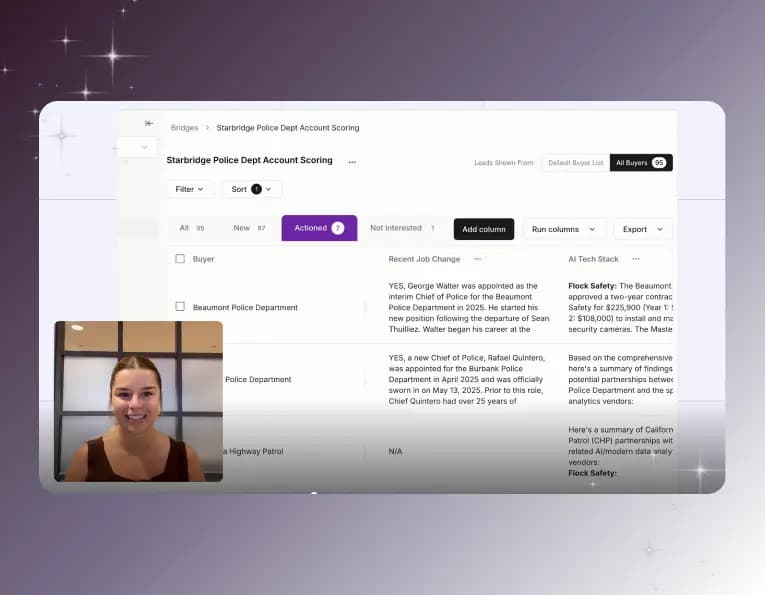 Automate account research with AI agentsStop manually researching accounts. Starbridge AI agents automate account research by monitoring buying signals 24/7 and surfacing the right contacts.
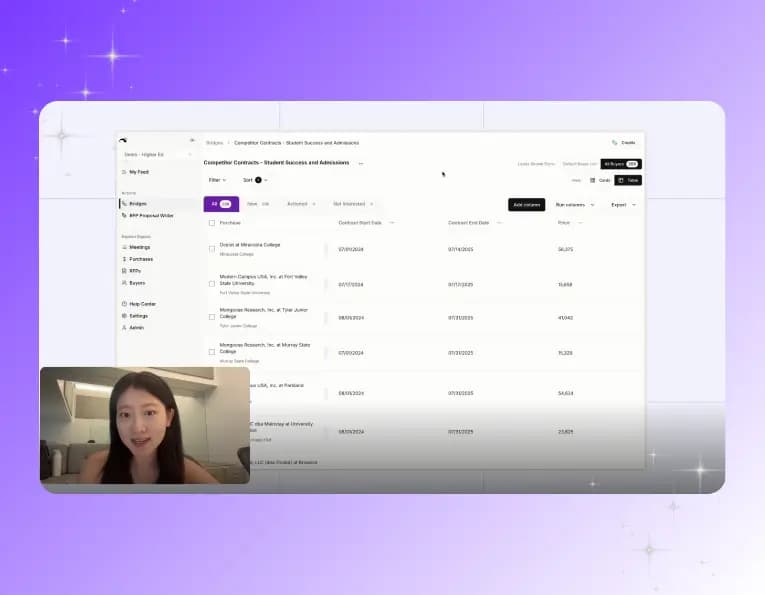 Identify competitor contract expiration datesThe RFP is usually a formality. Starbridge surfaces competitor contract expiration dates so your reps reach accounts before the renewal cycle closes.
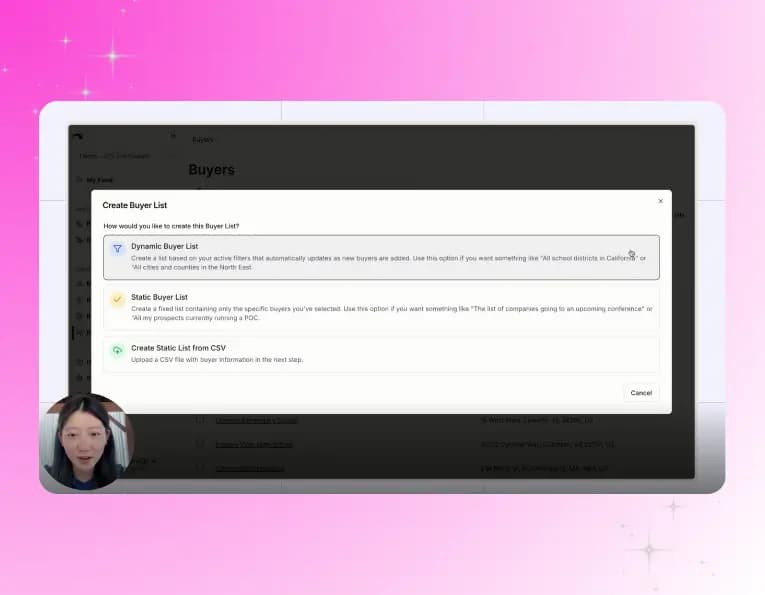 Create a conference campaignTurn conference badge scans into pipeline. Import your contact list, surface buying signals across every account you met, and follow up with context.